
Shopping Cart
There are no more items in your cart











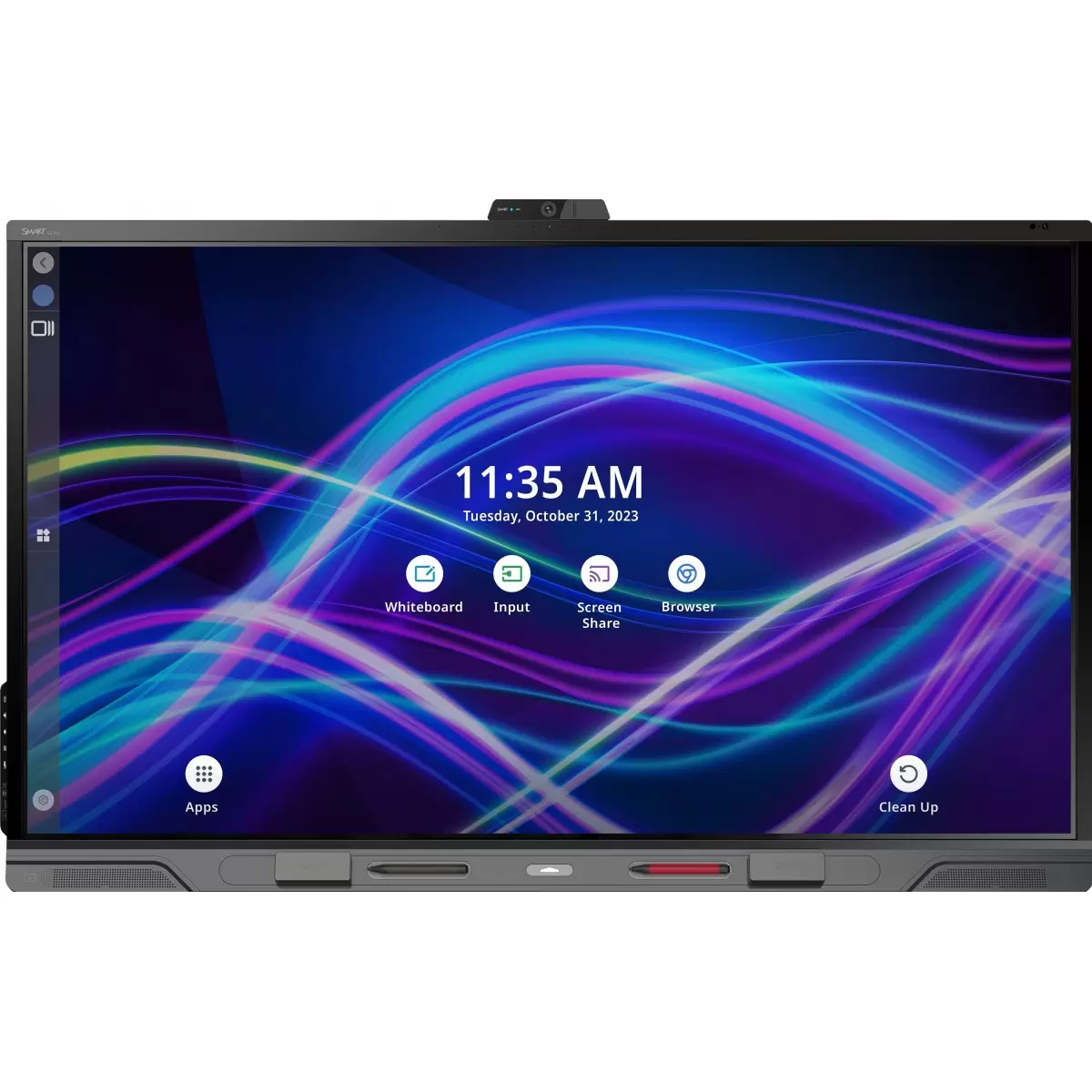
SMART Board QX Pro
Premium all-in-one interactive display for boardrooms and hybrid meeting rooms, with integrated camera, mic array, speakers and business collaboration software.
View QX ProCompare SMART Board QX Pro, MX Pro, GX Plus, T Pro, M Pro, Mini and NX displays for boardrooms, meeting rooms, training spaces, higher education and hybrid collaboration.
QX Pro is the premium all-in-one business meeting room display. MX Pro is the balanced business interactive display. T Pro is the premium QLED / Dolby Vision option. NX is the non-interactive commercial display. Mini is the compact podium-style solution for lecterns and small collaboration spaces.
This guide is for organisations choosing SMART displays for business and professional spaces: meeting rooms, boardrooms, council chambers, lecture theatres, training rooms, reception areas and hybrid collaboration spaces.
If you are buying for a primary or secondary school classroom, see our separate SMART Board comparison guide for Irish schools. The business range has a different job: meetings, video calls, presentation, annotation, digital signage, remote management and room integration.
Premium all-in-one interactive display for boardrooms and hybrid meeting rooms, with integrated camera, mic array, speakers and business collaboration software.
View QX Pro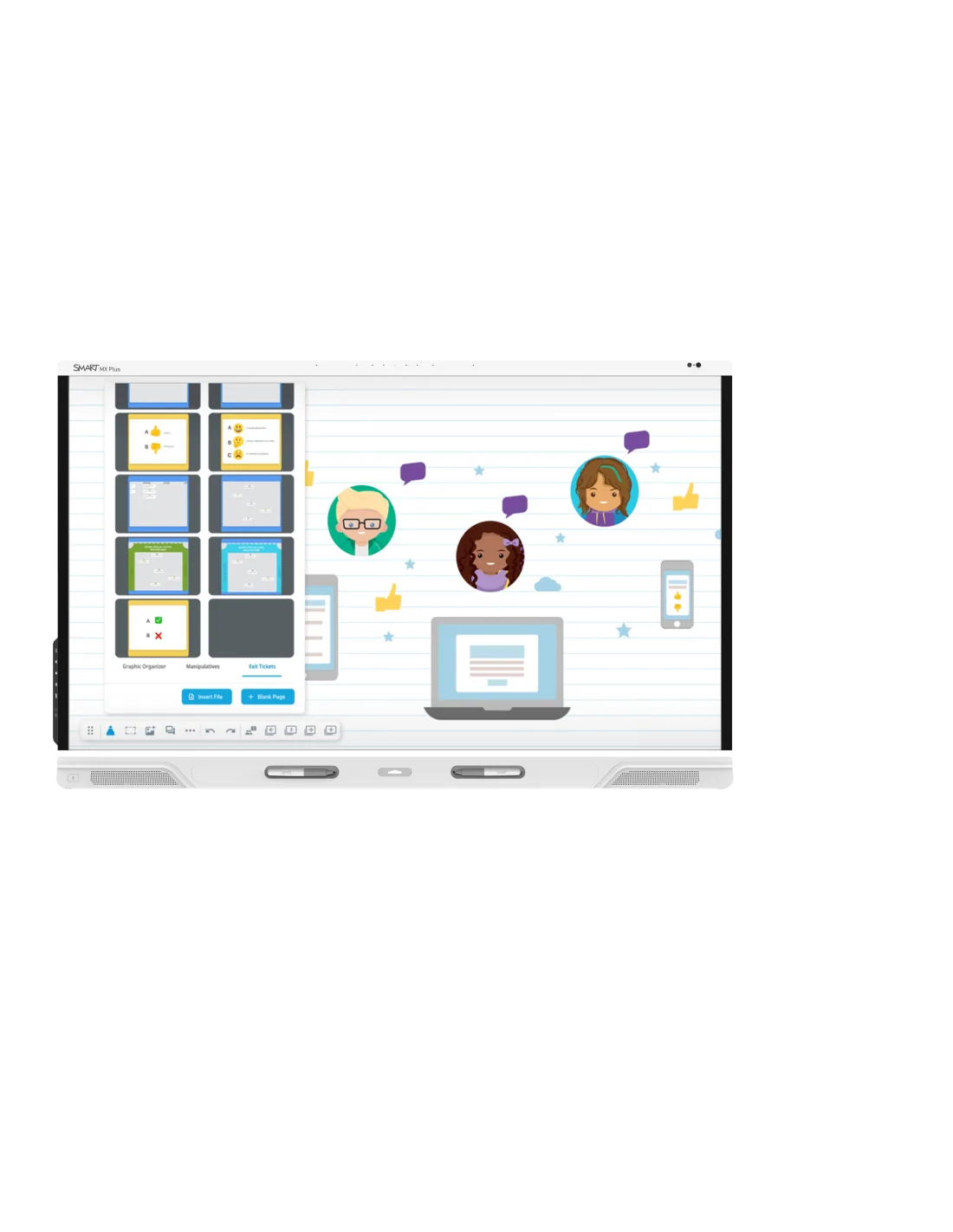
Balanced business interactive display for meeting rooms, higher education and collaborative workspaces where value and built-in capability matter.
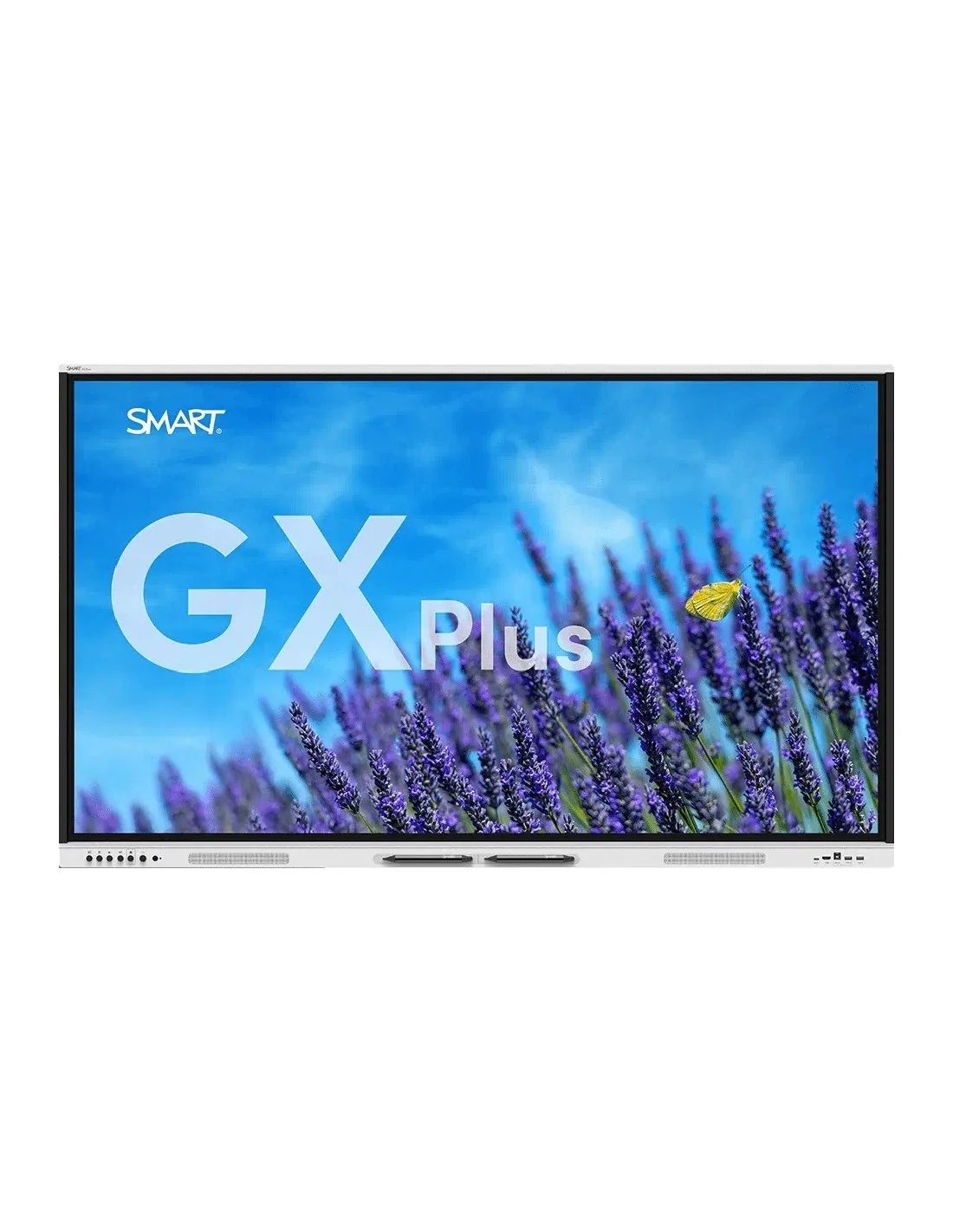
Value-focused interactive display for training rooms, presentation spaces and organisations that want SMART interactivity at a lower entry point.
View GX Plus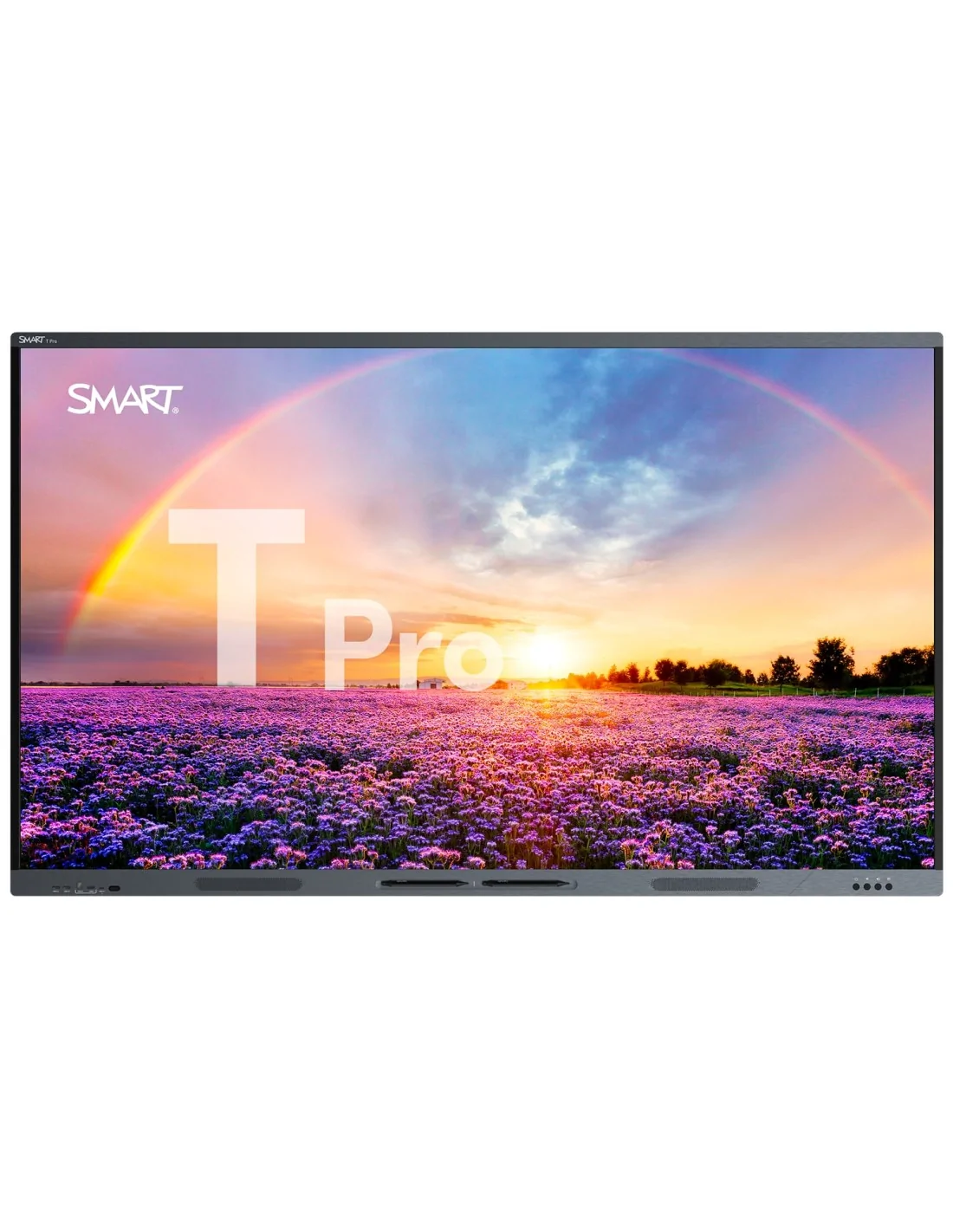
Premium QLED interactive display for rooms that need high-end visuals, OS flexibility, strong inking and compatibility with SMART OPS modules.
View T Pro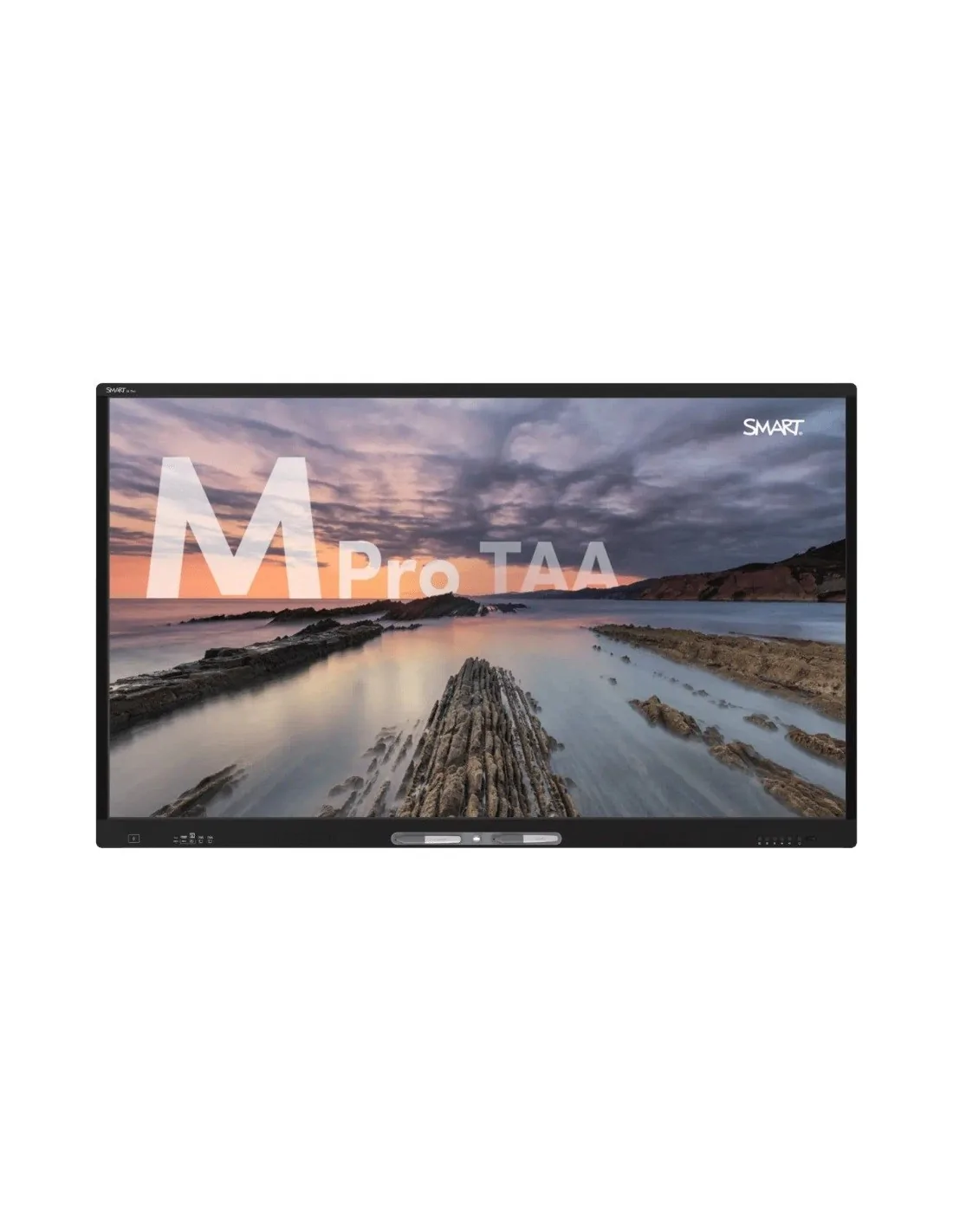
Professional interactive display option for secure, managed or specialist business environments where straightforward collaboration is required.
View M Pro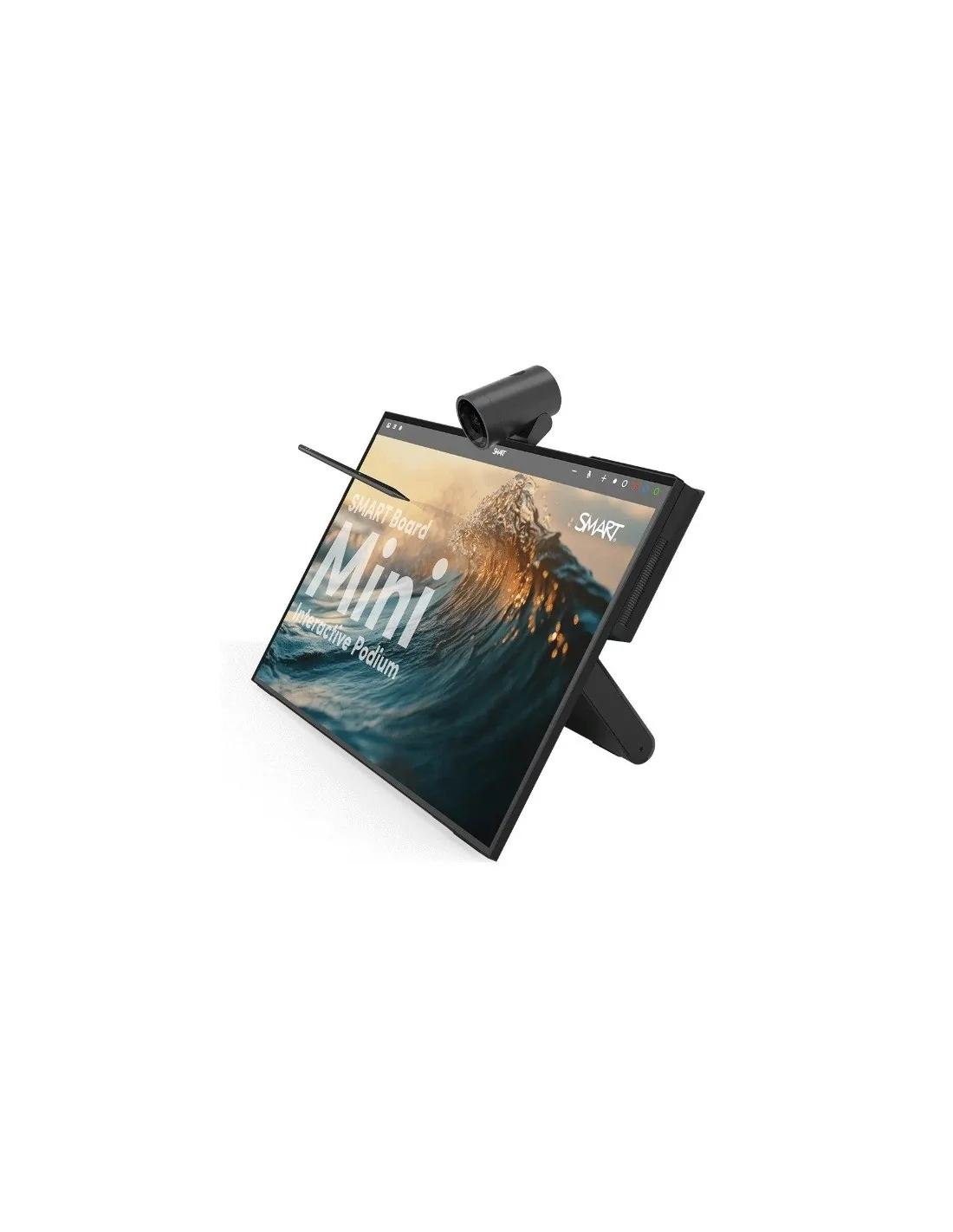
Compact 27-inch interactive podium-style display for lecturers, presenters, small rooms, hybrid calls and desk-based annotation.
View SMART Board Mini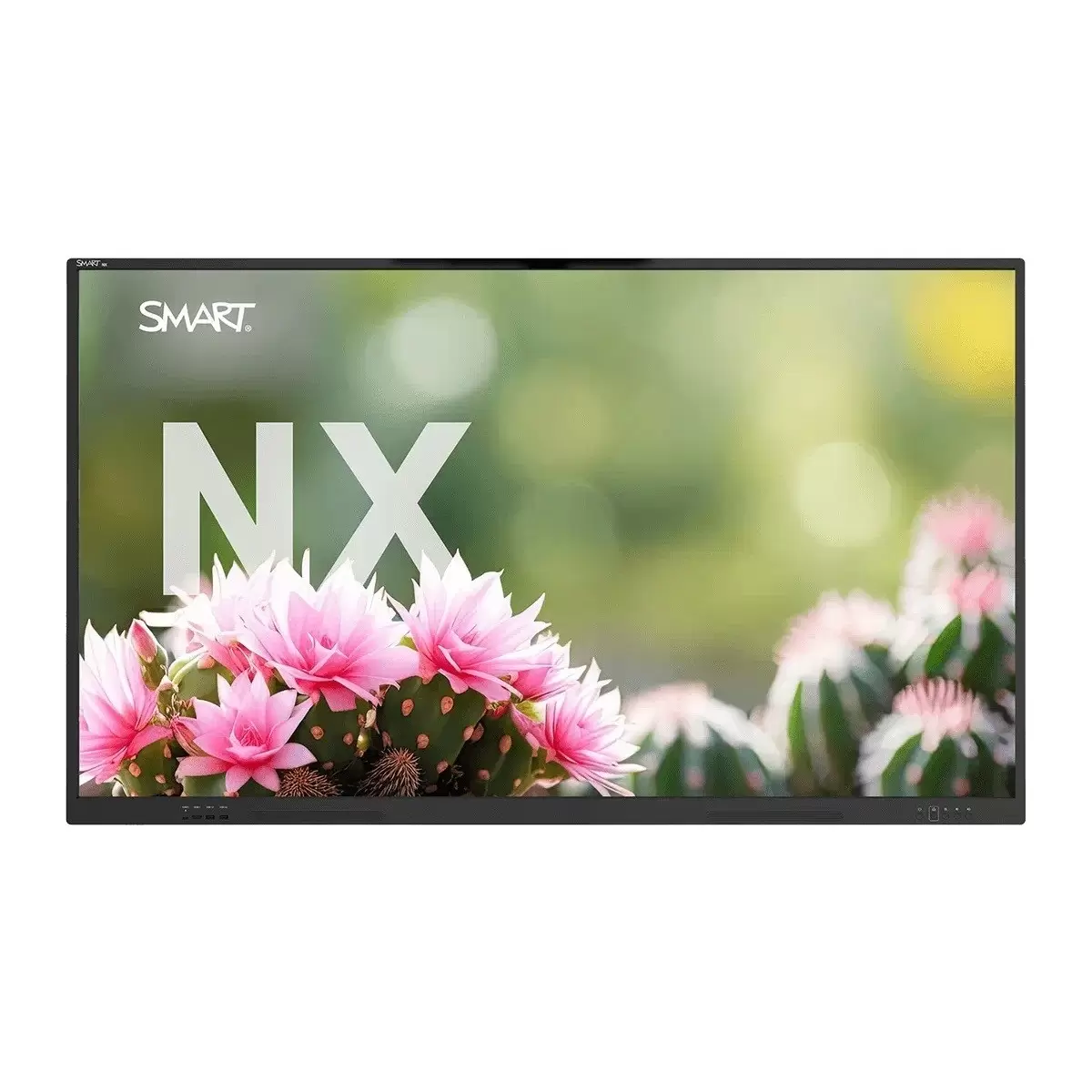
Commercial non-interactive display for signage, dual-screen rooms, reception areas and meeting spaces that do not need touch.
View NXSlot-in Windows compute modules for rooms that need a dedicated PC experience directly inside compatible SMART displays.
| Model | Best for | Interaction | Typical sizes | Camera / microphones | Software and management | When to choose it |
|---|---|---|---|---|---|---|
| SMART Board QX Pro | Boardrooms, hybrid meeting rooms, executive spaces | Premium interactive touch with pressure-sensitive inking | 65", 75", 86" | Integrated 4K camera, microphone array, speakers and subwoofer | SMART Meeting Pro, SMART Ink, SMART TeamWorks, OneLaunch and Remote Management | You want the most complete all-in-one SMART business meeting room display. |
| SMART Board MX Pro | Meeting rooms, higher education, collaborative workspaces | Interactive business display with strong everyday collaboration features | 55", 65", 75", 86" | Model-dependent; optional camera/mic room design may be used | Business whiteboarding, SMART Ink, remote management and collaboration tools | You want a strong business interactive display without going all the way to QX Pro. |
| SMART Board GX Plus | Training rooms, presentation rooms, budget-conscious rollouts | Interactive touch display | 65", 75", 86" | No integrated meeting-room camera/mic array | Core SMART tools and screen sharing | You want SMART interactivity at a lower cost point and will use separate meeting-room AV if needed. |
| SMART Board T Pro | Premium rooms, design reviews, lecture spaces, high-visual-impact environments | High-performance interactive touch with strong inking | 65", 75", 86" | Integrated audio/mic features vary by configuration | SMART Ink, drivers and compatibility with SMART OPS modules | You want QLED visual quality, Dolby Vision support and OS flexibility. |
| SMART Board M Pro | Secure business spaces, professional collaboration and managed deployments | Interactive touch display | Check current model availability | Room equipment may be specified separately | SMART business software and management options | You need a professional SMART interactive display for business, but QX Pro is more than the room requires. |
| SMART Board Mini | Lecterns, podiums, small rooms, presenter desks, hybrid teaching and compact collaboration | 27" compact interactive pen display | 27" | Integrated 4K camera, microphone array and audio | Windows-based workflows, SMART Ink and Microsoft Ink compatibility | You want the presenter to face the audience while writing, annotating or controlling content. |
| SMART Board NX | Digital signage, lobbies, hallways, dual-screen rooms and commercial display use | Non-interactive commercial display | 65", 75", 86" | No integrated meeting-room camera/mic array | Remote control and management options | You need SMART reliability and display quality, but not touch. |
| OPS i5 / OPS i7 modules | Rooms needing a dedicated Windows PC inside the display | Depends on host display | OPS slot module | Uses host display and room peripherals | Windows environment for Teams, Zoom, browser apps and business software | You want a cleaner installation than a separate PC mounted behind or below the display. |
Specifications and availability vary by exact model, region and current SMART range. Creative Systems can confirm Irish availability, pricing and the best room configuration at quote stage.
The SMART Board QX Pro is the anchor product for business meeting rooms. It combines interactive touch, business whiteboarding, video conferencing hardware and SMART Meeting Pro collaboration software in one display.
Choose QX Pro when you want a high-quality room experience without stitching together a screen, camera, microphones, speakers and separate whiteboard workflow. It is best suited to boardrooms, management suites, hybrid collaboration spaces and high-use meeting rooms.
SMART Board MX Pro is the sensible middle ground for many organisations. It suits meeting rooms, higher education spaces and training environments where teams need interactive whiteboarding, screen sharing and SMART Ink, but do not necessarily need the full all-in-one QX Pro room hardware package.
Choose MX Pro if you want a business-focused SMART interactive display with strong value and flexibility around camera, microphone and room AV choices.
SMART Board GX Plus is useful where cost control matters but the room still needs a proper interactive display. It can suit training rooms, presentation rooms and collaborative spaces where a separate conferencing bar or existing room AV system will handle calls.
SMART Board T Pro is the range to consider for premium rooms where visual quality, inking feel and OS flexibility matter. SMART positions T Pro around QLED display technology, Dolby Vision support, strong inking and compatibility with SMART OPS modules.
Choose T Pro for design review rooms, high-impact presentation spaces, lecture rooms and environments where the display quality itself is a key part of the room experience.
SMART Board M Pro is for professional environments that need reliable SMART interactivity, management and business-friendly workflows. It may be a fit where the organisation wants a managed interactive display but does not need the integrated QX Pro camera/audio package.
The SMART Board Mini is different from the wall-mounted displays. It is a compact interactive display for lecterns, presenter desks, small meeting rooms and hybrid teaching or training spaces. It is especially useful where the presenter needs to write, annotate or control content while facing the room or camera.
The SMART Board NX is the right choice when the display does not need touch. It is a commercial display for reception areas, lobbies, corridors, signage, dual-screen rooms and spaces where a second non-interactive screen supports a main meeting display.
OPS i5 and OPS i7 modules are slot-in compute options for compatible SMART displays. They are useful when a room needs a dedicated Windows environment for Microsoft Teams, Zoom, browser-based apps, SMART Meeting Pro, signage software, specialist business applications or secure domain-managed workflows.
An OPS module can keep the installation cleaner than a separate PC because the compute sits inside the display’s OPS slot. For higher-performance rooms, an OPS i7 module may be preferable; for standard meeting and presentation rooms, an OPS i5 module may be enough.
For most business meeting rooms, start with QX Pro. For value-focused interactive spaces, compare MX Pro and GX Plus. For signage or non-touch display use, choose NX. For lecterns or presenter desks, choose SMART Board Mini. For built-in Windows compute, add an OPS i5 or OPS i7 module where compatible. For software-led collaboration, see SMART Meeting Pro.
Creative Systems can specify, supply and install SMART displays for meeting rooms, boardrooms, training rooms and higher education spaces across Ireland.