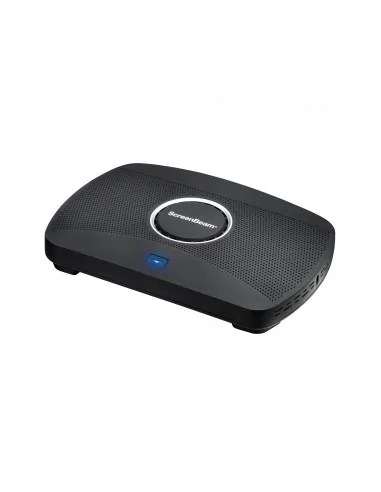
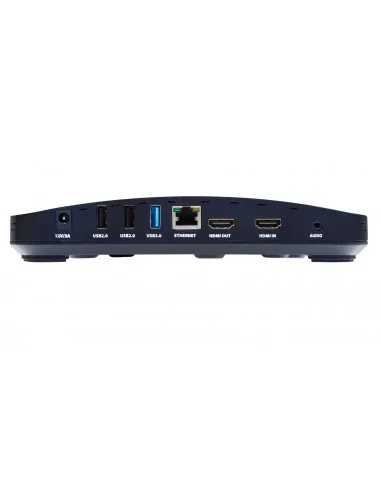
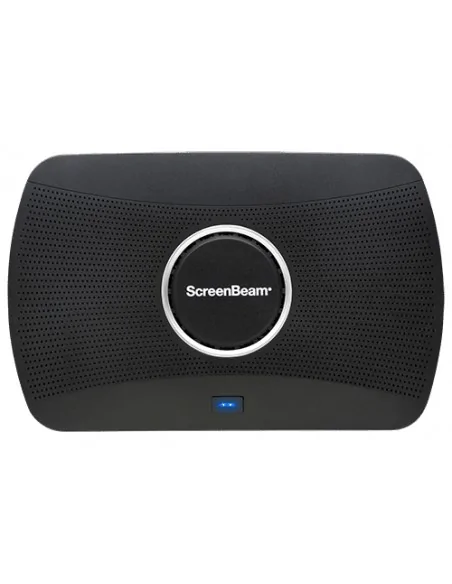
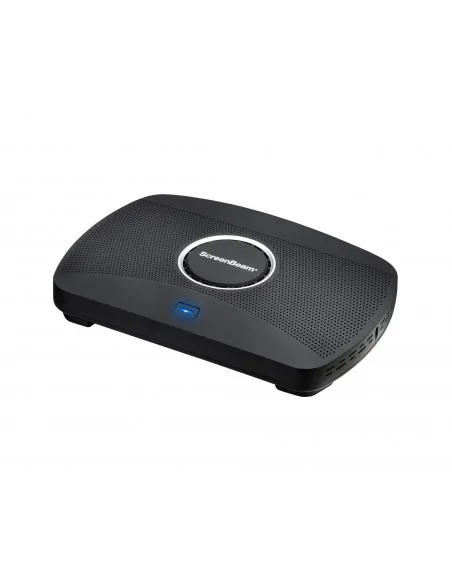
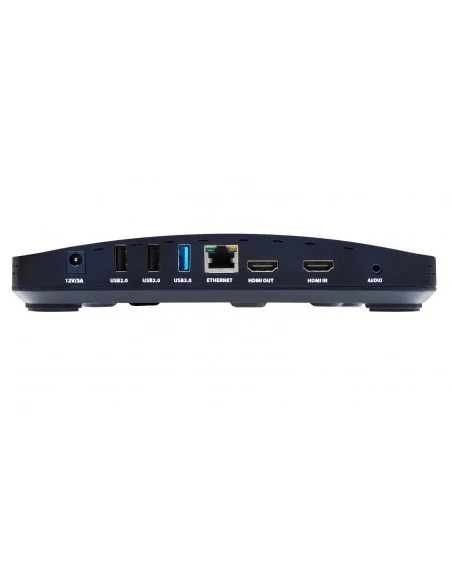
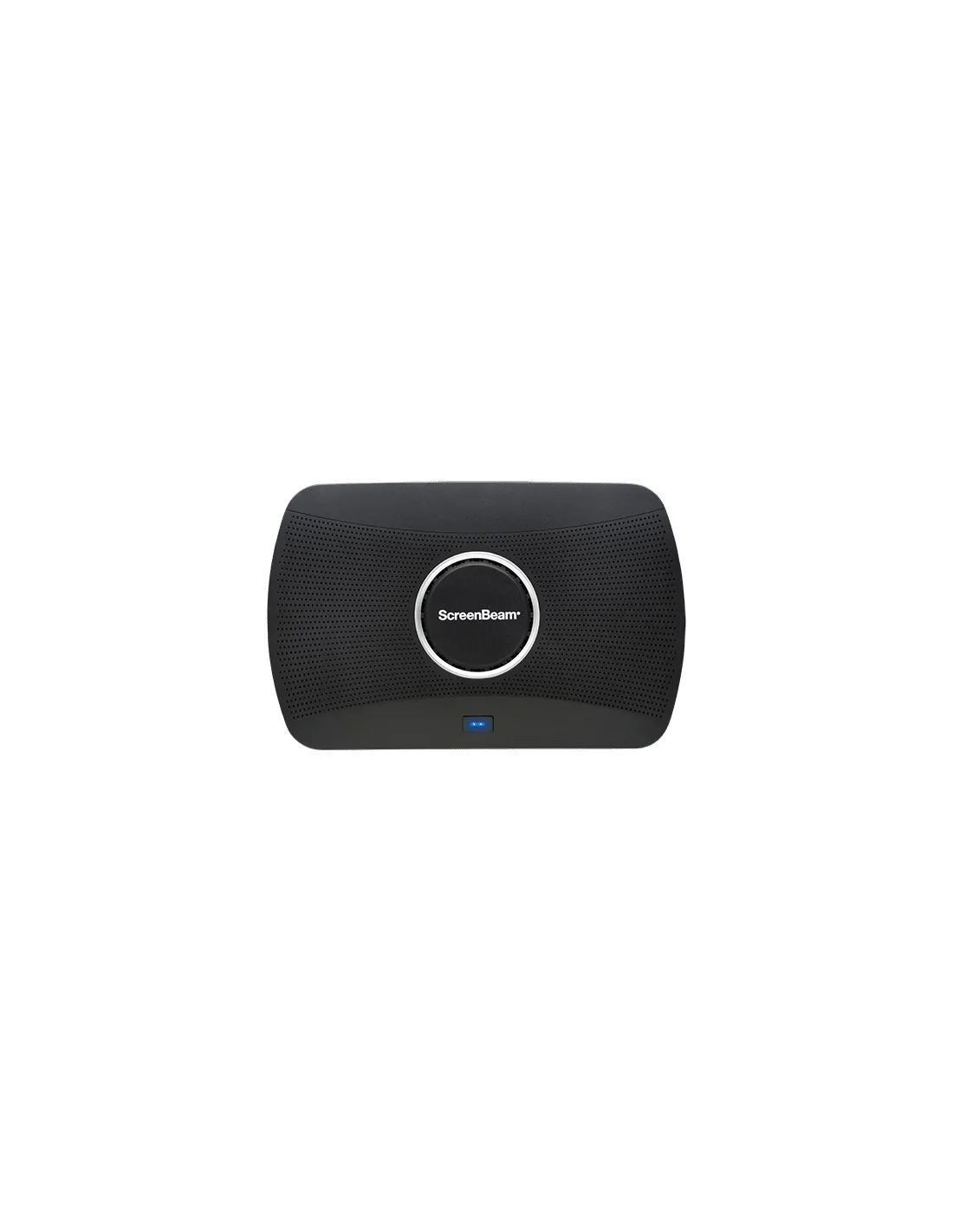
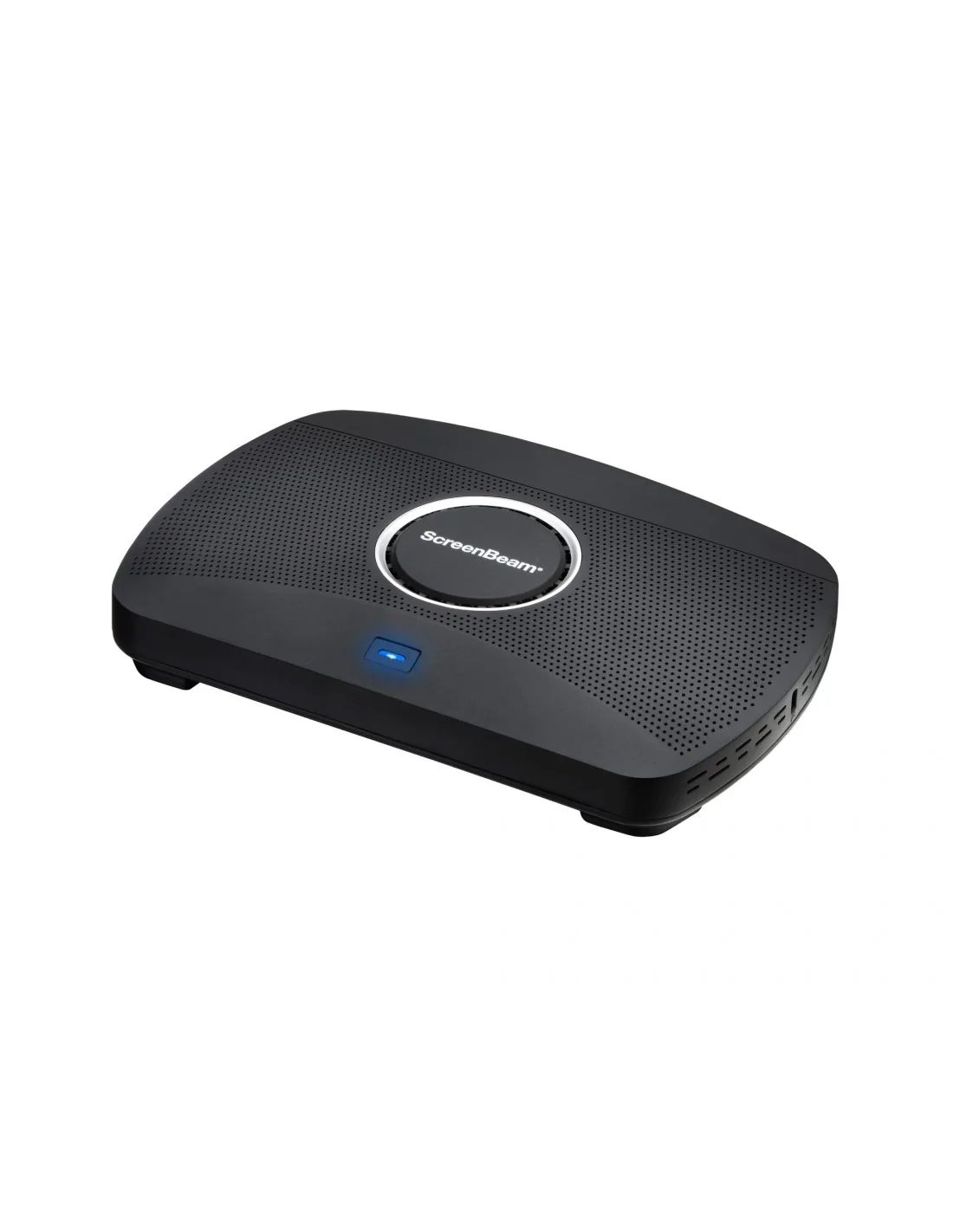
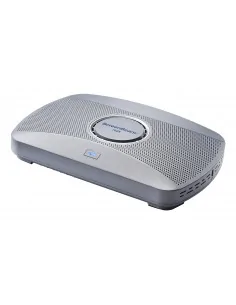
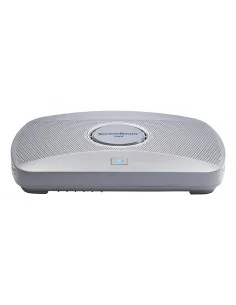
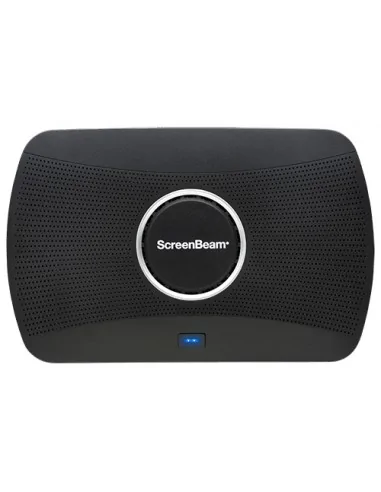
ScreenBeam 1100 Plus platform with ScreenBeam Conference experience adds wireless connectivity to room cameras, microphones, and speakers with support for all major video conferencing services. This versatile experience is delivered wholly with the 1100 Plus, the industry’s most flexible turnkey collaboration platform.
ScreenBeam Essential ToolsEssential tools for the modern meeting rooms come standard with every ScreenBeam 1100 Plus
App-less and dongle-less screen mirroringScreen sharing from any device without the need to download an app or keep dongle nearby. ScreenBeam leads with OS-native Wi-Fi Miracast, AirPlay and Google Cast for familiarity and mitigate user training.
Extended desktopWindows and macOS users can mirror desktop or extend screen to ensure content privacy.
Touch display supportWindows users can markup content directly on room displays, instantly capturing changes in Microsoft Office 365 applications.
ScreenBeam ConferenceConnects the room camera, microphone and soundbar and enable the users’ laptops for bring-your-own-meeting (BYOM) wireless video conferencing. Users can participate in a scheduled or ad-hoc meeting using the UC service of choice and take full advantage of the room peripherals.
Learn More
Multi-Network architectureNo need to choose an internal or external network connection for your wireless display solution. ScreenBeam can connect to both simultaneously, without compromising the security of your internal network. VLAN tagging option is also available on the wired network connection for additional subnets support.
Multi-ViewUp to four presenters in-room can share content simultaneously during a meeting making it easier for real-time editing of materials.
Quick SwitchPresenters do not need to disconnect to allow the next presenter to assume control eliminating time-wasting delays and keeping meetings on track.
Signage PlayerIdle displays in classrooms and meeting spaces can be optimized to convey information with integrated HTML-based digital signage capability.
HDMI InputCombines wireless display and HDMI® switching in a single device for a fully functional for wired and wireless connections.
The terms HDMI, HDMI High-Definition Multimedia Interface, HDMI Trade dress and the HDMI Logos are trademarks or registered trademarks of HDMI Licensing Administrator, Inc.
MultiBeamEnables content mirroring (video or wireless presentation) across wired, wireless or a combination of both networks, for up to 8 remote displays.
Centralized ManagementScreenBeam CMS Enterprise included for monitor, manage, and update.
App-less and dongle-less screen mirroringScreen sharing from any device without the need to download an app or keep dongle nearby. ScreenBeam leads with OS-native Wi-Fi Miracast, AirPlay and Google Cast for familiarity and mitigate user training.
Extended desktopWindows and macOS users can mirror desktop or extend screen to ensure content privacy.
Touch display supportWindows users can markup content directly on room displays, instantly capturing changes in Microsoft Office 365 applications.
ScreenBeam ConferenceConnects the room camera, microphone and soundbar and enable the users’ laptops for bring-your-own-meeting (BYOM) wireless video conferencing. Users can participate in a scheduled or ad-hoc meeting using the UC service of choice and take full advantage of the room peripherals.
Multi-Network architectureNo need to choose an internal or external network connection for your wireless display solution. ScreenBeam can connect to both simultaneously, without compromising the security of your internal network. VLAN tagging option is also available on the wired network connection for additional subnets support.
Multi-ViewUp to four presenters in-room can share content simultaneously during a meeting making it easier for real-time editing of materials.
Quick SwitchPresenters do not need to disconnect to allow the next presenter to assume control eliminating time-wasting delays and keeping meetings on track.
Signage PlayerIdle displays in classrooms and meeting spaces can be optimized to convey information with integrated HTML-based digital signage capability.
HDMI InputCombines wireless display and HDMI® switching in a single device for a fully functional for wired and wireless connections.
The terms HDMI, HDMI High-Definition Multimedia Interface, HDMI Trade dress and the HDMI Logos are trademarks or registered trademarks of HDMI Licensing Administrator, Inc.
MultiBeamEnables content mirroring (video or wireless presentation) across wired, wireless or a combination of both networks, for up to 8 remote displays.
Active LearningEnable real-time screen sharing and collaboration between teachers and students, allowing content to be shared, compared, and discussed instantly – boosting engagement, participation, and interactive learning outcomes (subscription required).
Centralized ManagementScreenBeam CMS Enterprise included for monitor, manage, and update.
GhostInkingGhostInking is ScreenBeam’s patented technology that eliminates wireless inking lag, delivering instant, natural handwriting on any interactive display connected wirelessly to a Windows device—no apps, cables, or proprietary tools. It enables a true pen-to-paper experience for seamless collaboration.
| Design |
|---|
| Form factor | Desktop |
| Product colour | Black |
| Certification | FCC, UL, CE, RoHS, C-Tick |
| Features |
|---|
| Supported graphics resolutions | 3840 x 2160 |
| Maximum frame rate | 30 fps |
| Miracast | Yes |
| Network |
|---|
| Wi-Fi standards | Wi-Fi 5 (802.11ac) |
| Ethernet LAN | Yes |
| Ethernet LAN data rates | 10,100,1000 Mbit/s |
| Cabling technology | 10/100/1000Base-T(X) |
| Security algorithms | EAP-TLS, PEAP, WPA-PSK, WPA2-PSK |
| Top Wi-Fi standard | Wi-Fi 5 (802.11ac) |
| Ports & interfaces |
|---|
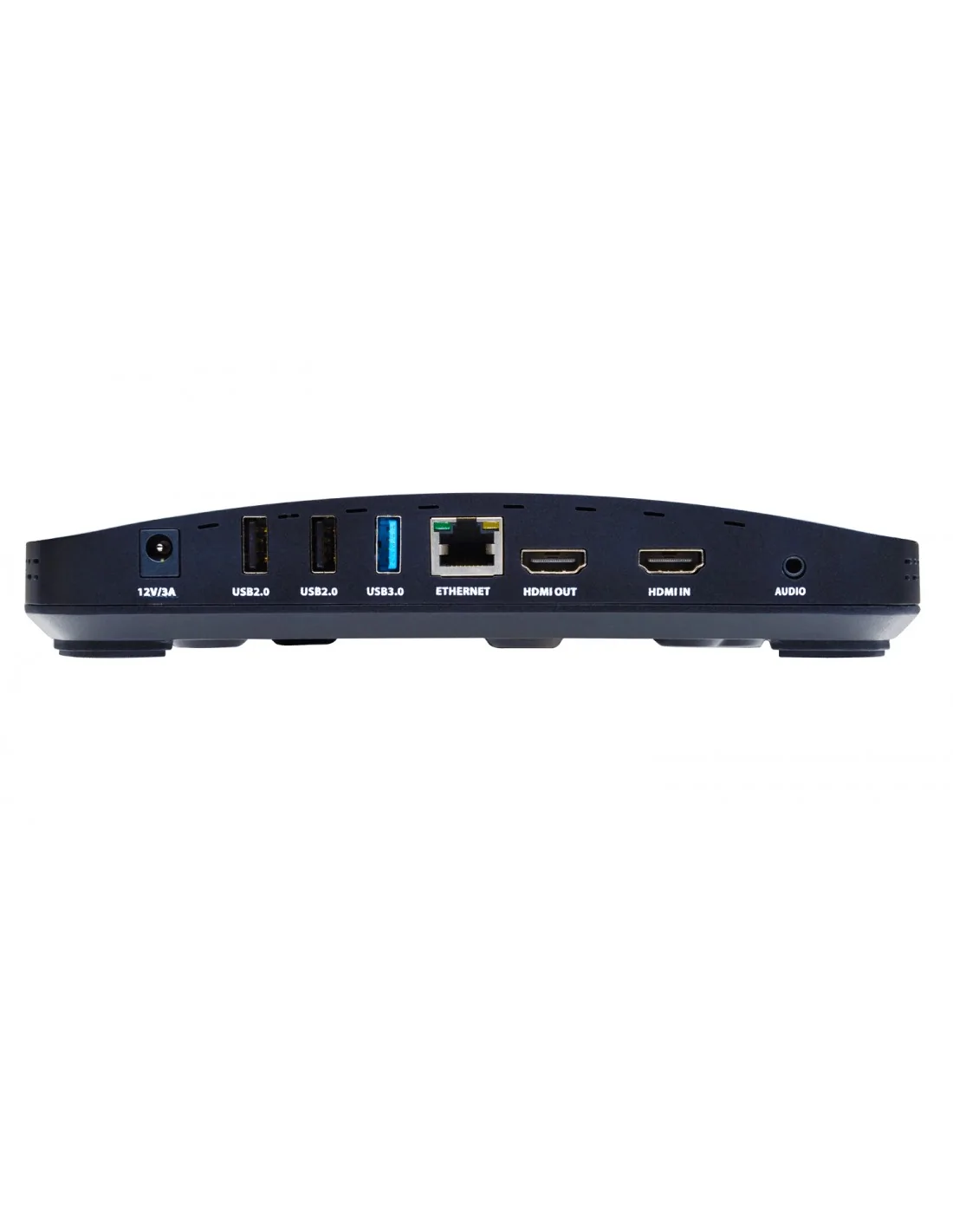
| Interface | HDMI + USB Type-A |
| Number of HDMI outputs | 1 |
| USB 2.0 ports quantity | 2 |
| DC-in jack | Yes |
| 3.5 mm (1/8-inch) out | Yes |
| HDMI input ports quantity | 1 |
| USB 3.2 Gen 1 (3.1 Gen 1) Type-A ports quantity | 1 |
| Power |
|---|
| Power source type | DC |
| Input voltage | 12 DC |
| Power consumption (max) | 36 W |
| Power consumption (typical) | 8.4 W |
| Input current | 3 A |
| System requirements |
|---|
| Windows operating systems supported | Yes |
| Mobile operating systems supported | Android, iOS |
| Mac compatibility | Yes |
| Other operating systems supported | ChromeOS |
| Operational conditions |
|---|
| Operating temperature (T-T) | 0 - 40 °C |
| Operating relative humidity (H-H) | -20 - 85% |
| Storage temperature (T-T) | 20 - 80 °C |
| Storage relative humidity (H-H) | 10 - 90% |
| Weight & dimensions |
|---|
| Width | 220 mm |
| Depth | 144 mm |
| Height | 37.5 mm |
| Weight | 453.5 g |
| Package width | 177.8 mm |
| Package depth | 287 mm |
| Package height | 82.5 mm |
| Package weight | 1.13 kg |
| Technical details |
|---|
| Harmonized System (HS) code | 85176990 |
| Logistics data |
|---|
| Country of origin | China |
| Harmonized System (HS) code | 85176990 |